
Minutes AI — Meeting Notes from a Recording
Records a meeting from the microphone in the browser, transcribes it live, labels who is speaking, and turns the transcript into structured notes: a summary, topics, decisions and action items with owners.
Overview
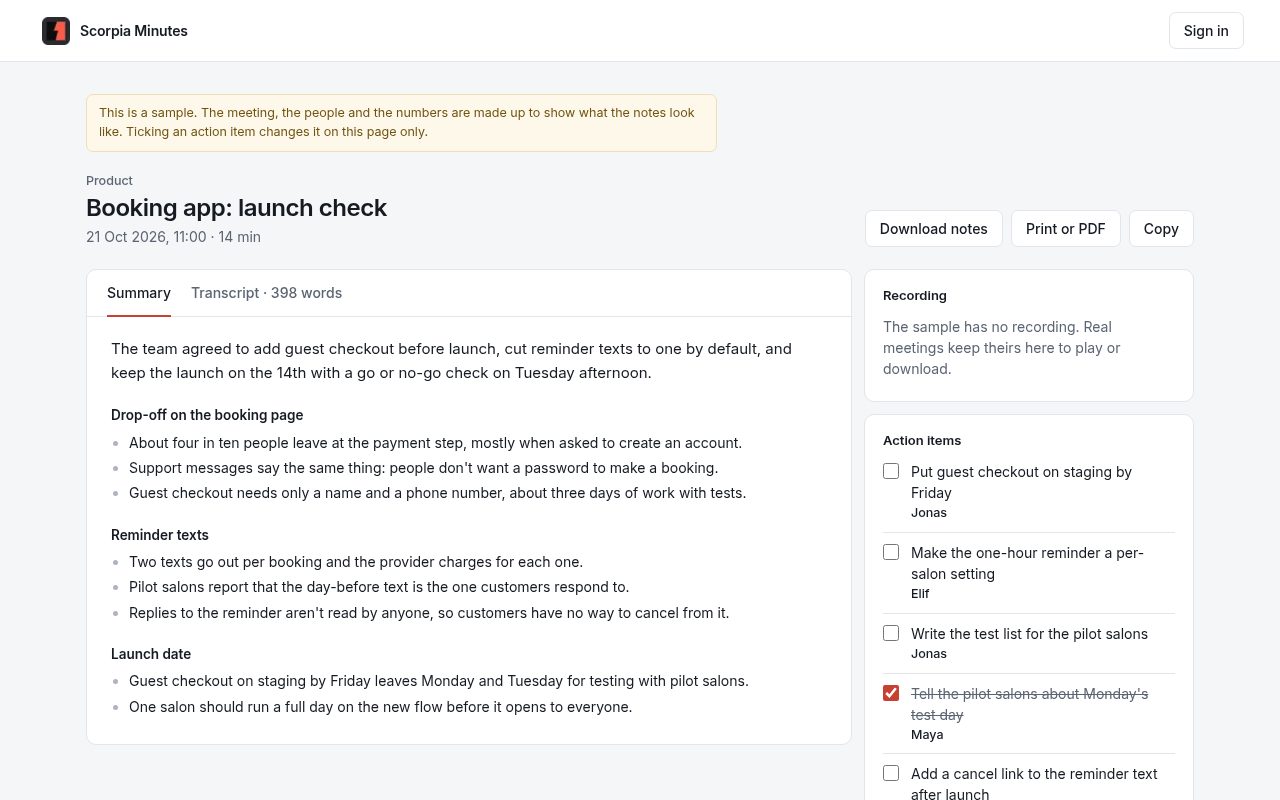
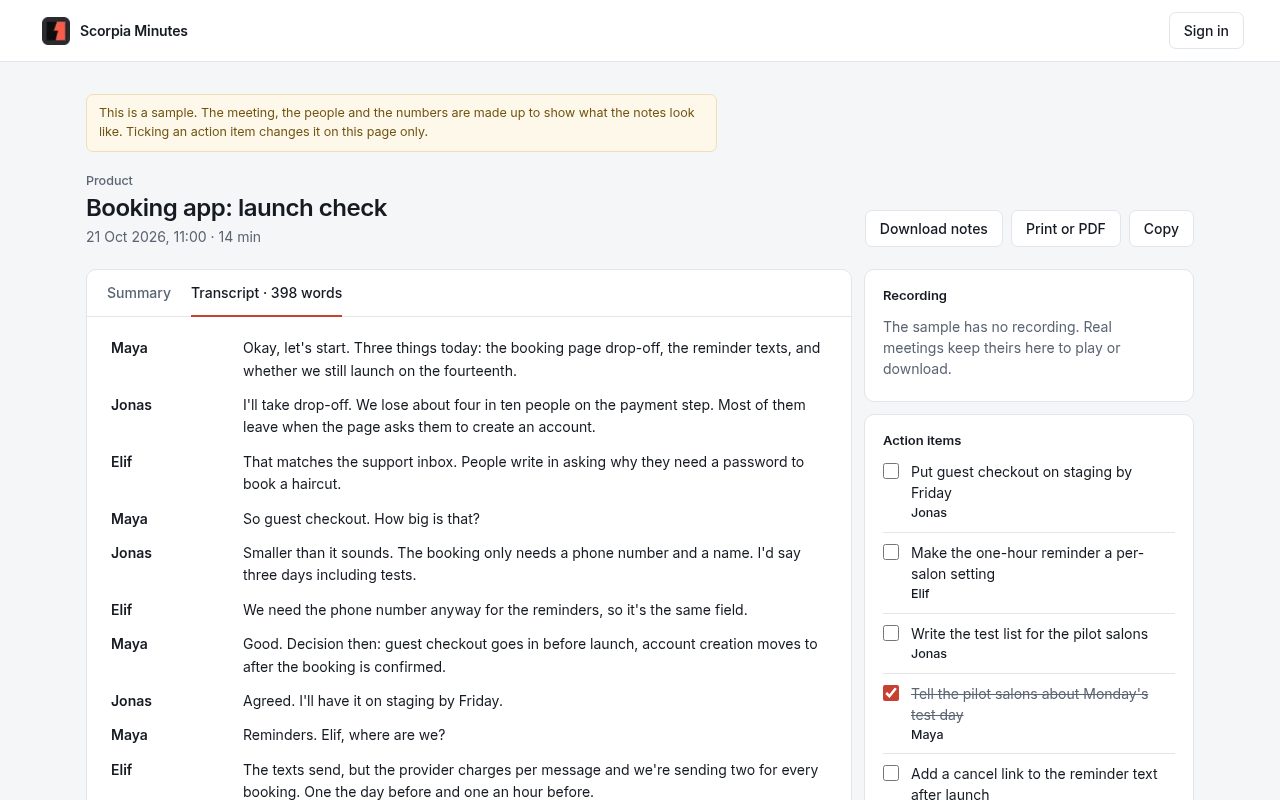
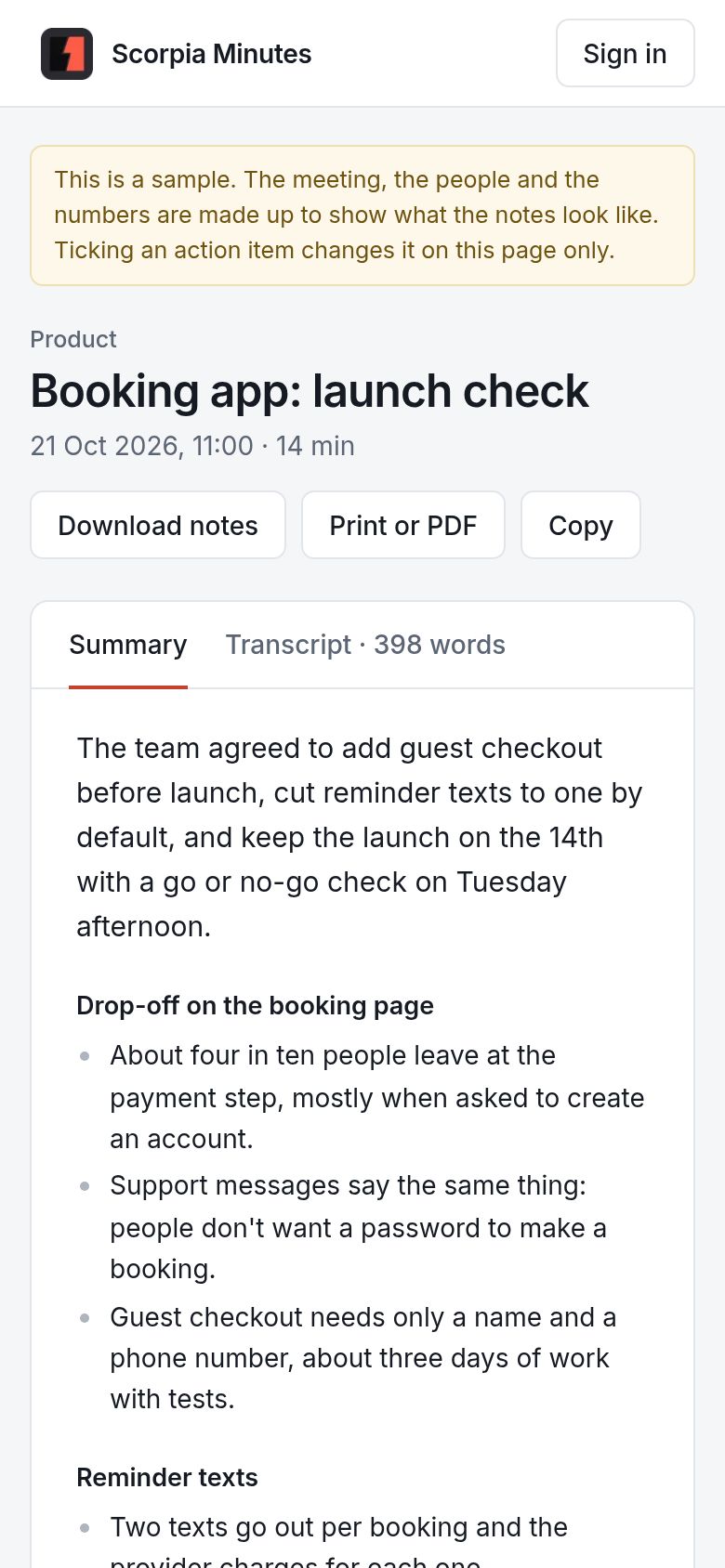
Minutes AI records a meeting in the browser, transcribes it live, labels who is speaking, and turns the transcript into structured notes: a title, a category, a short summary, topic bullets, action items with owners, decisions, and key terms.
The Problem
- Taking notes by hand pulls the host's attention away from the conversation.
- Meeting bots join calls as a third party, which is a poor fit for interviews and confidential discussions.
- Raw recordings are rarely replayed, so the useful part of a meeting is lost unless someone writes it down.
How It Works
- Capture: the browser records the microphone with MediaRecorder, so nothing needs to be installed and no bot joins the call.
- Live transcript: in Chrome and Edge the Web Speech API transcribes as people speak, in English, Burmese, Thai, Chinese or Turkish.
- Speaker labels: a small voice model (WeSpeaker ResNet34, run with transformers.js in a web worker) turns each spoken line into a voice fingerprint. Lines that sound alike are grouped as "Speaker 1", "Speaker 2" and so on. The audio for this step never leaves the device.
- Server transcription fallback: in browsers without live speech recognition the saved recording is transcribed on the server by Gemini.
- Structuring: the transcript is converted into notes by Claude (structured JSON output validated against a schema) or Gemini. The engine and API key are chosen in an in-app settings page, and keys never reach the browser.
- Offline mode: with no key configured, a built-in heuristic still extracts action items, decisions, topics and an extractive summary, so the tool works without any AI service.
- Review and export: each meeting keeps the full transcript and the notes; action items can be ticked off, notes can be re-generated after changing engines, and the result copies out as Markdown or prints.
Design Choices
- Own origin: the app sits on its own origin behind a sign-in. thescorpia.com only redirects to it, so its session cookie is never shared with the rest of the site.
- Locked-down data: meetings live in Postgres with row-level security on and the public API roles revoked, so the database answers only the server.
- Short-lived recordings: audio uploads straight to a private storage bucket and is deleted after three days. The notes and transcript stay.
- Fails soft: if an AI call fails, the meeting is still saved with heuristic notes and can be re-structured later.